When using AI through Media File Renamer, it queries the default model defined in AI Engine. If you want to use a specific AI model for renaming tasks, you’ll need to change the default model accordingly.
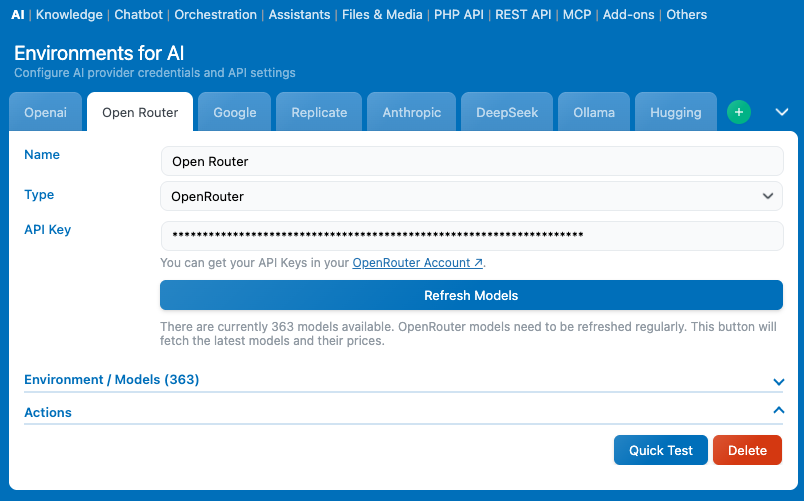
First, go to AI Engine → Settings → AI → Environments for AI. Make sure you’ve created and configured the environment that has access to the model you want to use. In this example, we’ll use an OpenRouter environment.
Next, scroll down to Default Environments for AI. This is where you define which models are used by default.
For Media File Renamer, you’ll want to update the default Vision model, since that’s the one used for image analysis and AI Vision renaming.
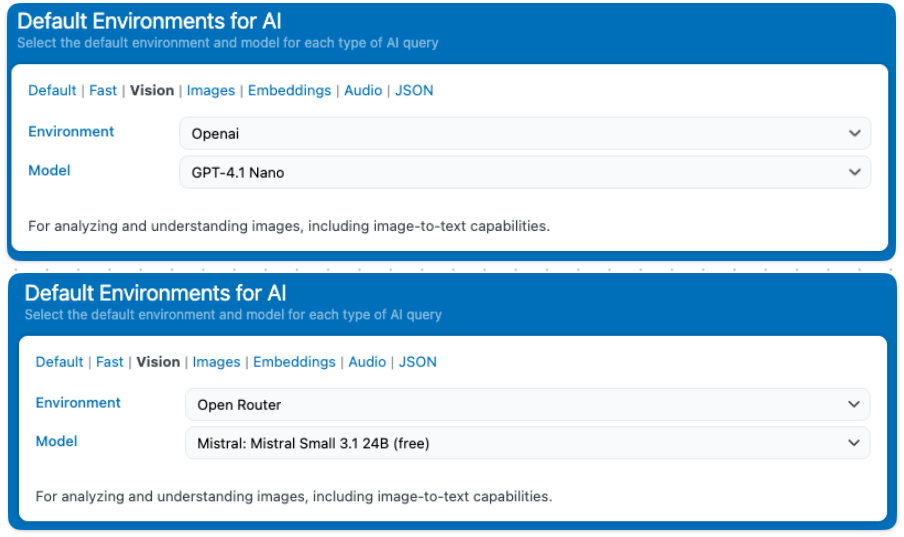
First, select the appropriate Environment, then choose the model you want to use within that environment.