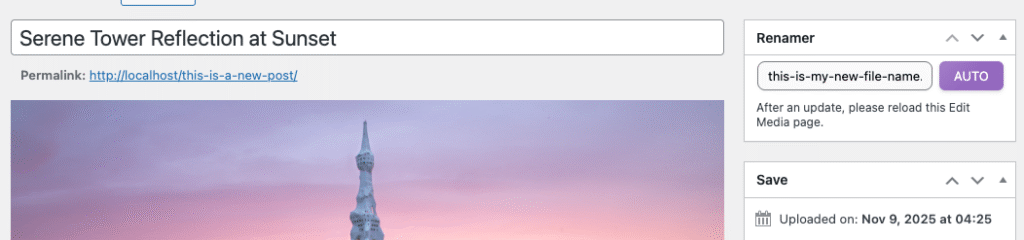
If you prefer not to rename or manage your files through the Media File Renamer dashboard, you can enable an option to display the renaming fields directly in your WordPress Media Library.
Go to Settings → Basic → UI, and choose the Media Library display option you prefer. This will let you decide how the renaming fields appear within your Media Library and Media Edit page.
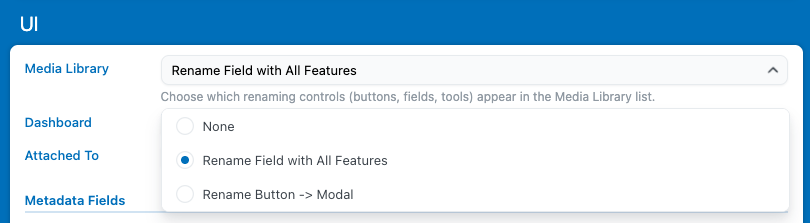
This lets you edit filenames and manage renaming settings right where you normally view your media, making it easier to handle quick adjustments without switching between interfaces.