You can also manually rename files with Media File Renamer, but this feature needs to be enabled first.
In the Settings → Basic, go to Renaming Methods → Manual, and activate it. Once enabled, you’ll be able to edit filenames directly within the media list or through the edit modal, giving you full control over individual file names when you prefer not to rely on automated methods.
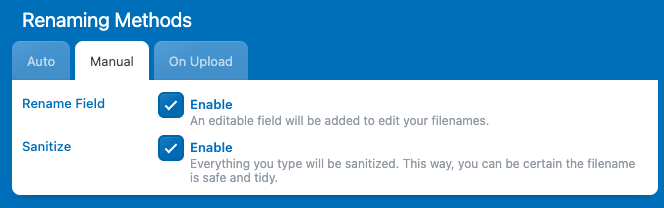
By default, the “Sanitize” option will be enabled — and it’s best to keep it that way. This ensures that any filenames you set are clean and valid, without spaces, special characters, or formatting issues that could cause problems with your media files or URLs.
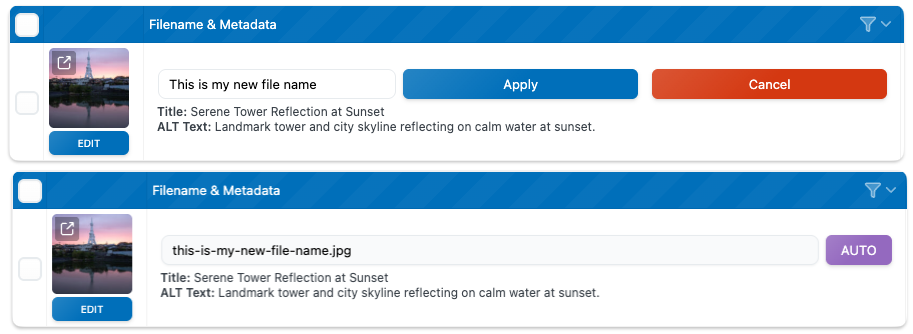
You can now click directly inside the filename input field and edit it manually. Once you make a change, you’ll notice that the plugin automatically sanitizes the filename, ensuring it’s valid, with no spaces, special characters, or invalid formatting.