If you’re seeing errors like “No Suggestions” in the dashboard and want more details, you’ll need to enable logs.
First, enable Expert Mode from the plugin header.
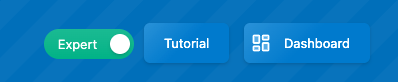
This will add a new Advanced tab. Go there, and under For Advanced Users & Developers, enable Dev Tools. This will create a new Dev Tools tab. You can disable Expert Mode afterward if you don’t need it anymore.
In the Dev Tools tab, check Logs.
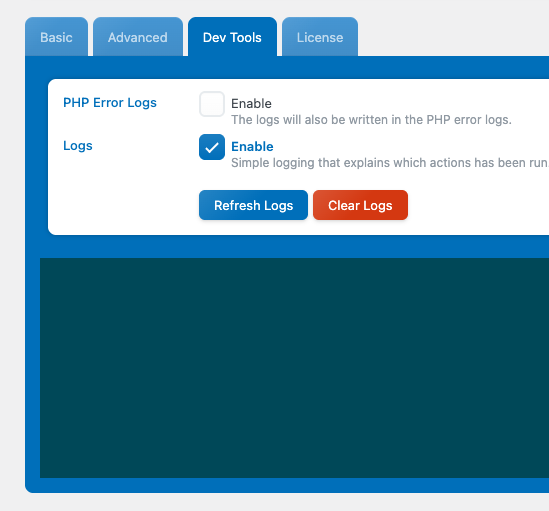
Then reproduce the error in the dashboard. After that, return to the Dev Tools tab and click Refresh Logs to see the detailed error information.